The AI ad creative stack for ecom: from blank page to scroll-stopping ad
The exact ChatGPT, Midjourney, CapCut, and ElevenLabs workflow to build a paid social ad from scratch. Real prompts, real 2026 prices, and the pitfalls that kill AI ads.
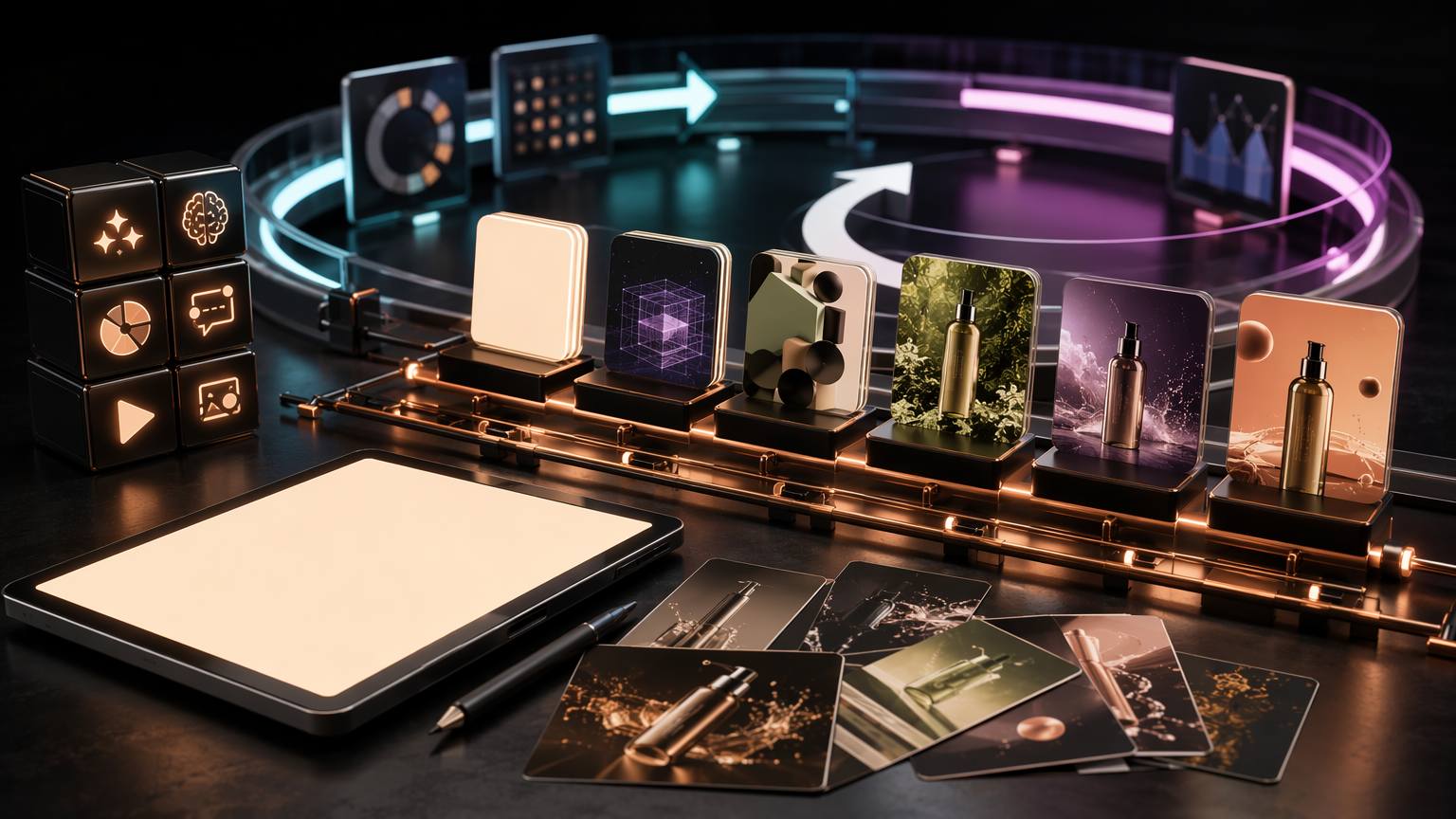
You can go from a blank page to a scroll-stopping paid social ad in one afternoon, for less than the cost of a single stock-footage license, using four tools most ecom operators already half-own. This is the exact stack, the exact prompts, the real 2026 prices, and the pitfalls that quietly burn ad budget.
The four-tool stack and what each one actually does
Most "AI ad" tutorials sell you a single magic button. That button does not exist. A paid social ad is four jobs stacked: the words, the image, the voice, the edit. Each job wants a specialist. Pile them onto one tool and you get generic mush that the feed scrolls past in under three seconds.
Here is the division of labor, and why each tool earns its slot:
- ChatGPT ($20/month Plus) handles language: the angle, the hook, the script, the caption. It is the cheapest, fastest copy partner you will ever hire, and Sora video generation now rides along inside the same Plus subscription.
- Midjourney ($10/month Basic) handles the still image. Its v7 model produces the photoreal hero shot that anchors your ad, and its Omni Reference feature keeps your product consistent across a whole campaign.
- ElevenLabs ($22/month Creator) handles voice. It turns your script into a human-sounding voiceover with a real commercial license, no studio, no talent fee.
- CapCut ($10/month Pro) handles the assembly: captions, reframing, jump cuts, music, export. It is where the raw parts become a 9:16 ad Meta will actually run.
Four tools. Four jobs. The order matters, because each step feeds the next. Skip ahead and you rebuild twice.
Step 1: ChatGPT writes the angle, hook, and script
The enemy here is the blinking cursor. You do not start with visuals. You start with the one sentence that stops the scroll, and 85% of Facebook video plays with the sound off, so that sentence has to work as on-screen text with zero audio. Meta's own creative data points to a single number: aim for a hook rate above 30%, meaning more than three in ten people who see your first frame stay past three seconds. Everything downstream serves that number.
Do not ask ChatGPT for "an ad." Ask it to think like a direct-response strategist first. A prompt that works:
"You are a direct-response copywriter for a Shopify brand. Product: [name], price [price], for [customer]. The one thing it does better than rivals: [benefit]. Give me 10 hooks under 8 words each, written for a sound-off Meta Reel. Mix pattern interrupts, bold claims, and a question. No hashtags, no emojis."
You will get ten. Eight will be forgettable. Two will make you sit up. That hit rate is the point: ChatGPT is a volume machine, and your job is selection, not generation. Pick the two strongest, then push for the script:
"Take hook 3 and hook 7. Write a 15-second UGC-style script for each: hook on screen at second zero, one clear benefit, one objection killed, one call to action. Conversational, first person, the way a real customer talks. Mark the on-screen text separately from the voiceover."
Two things separate a usable script from AI sludge. First, feed it real specifics: the actual price, the actual objection your reviews mention, the actual customer. Vague inputs give vague ads. Second, cap the length. Feed placements reward 6 to 15 seconds with the hook in the first three, so a script that runs past 40 spoken words is already too long. Trim in the chat, not in the edit.
Keep the winning script and its on-screen text in a doc. That text becomes your caption overlay in CapCut, and the spoken lines become your ElevenLabs input. One asset, three downstream uses.
Step 2: Midjourney builds the hero visual
Your ad needs a frame that does not look like an ad. Polished stock photography gets scroll-skipped because it screams "sales pitch." Midjourney v7 lets you land somewhere better: a photoreal, specific, slightly imperfect image that reads as real content. The unlock in 2026 is --style raw, which switches off Midjourney's automatic beautify tendency and produces the flatter, commercial-ready look you want for product work.
Start in Draft Mode. It renders at roughly one tenth the cost and five times the speed, so you can burn through twenty concepts before committing a single full-quality generation. A working product prompt follows a fixed skeleton:
"[product] on [surface], [lighting], [camera and lens], [mood], commercial product photography --style raw --ar 9:16 --s 200 --v 7"
Concrete example for a matte-black water bottle:
"matte black insulated water bottle on wet concrete gym floor, hard morning window light, shot on 50mm, cold energetic mood, commercial product photography --style raw --ar 9:16 --s 200 --v 7"
Three moves separate a usable hero from a lucky one:
- Lock the seed. Once one image is right, note its seed and reuse it. Re-running the same prompt at --ar 1:1, --ar 9:16, and --ar 16:9 gives you feed, Reels, and desktop placements from one master look instead of three unrelated shots.
- Use Omni Reference for consistency. v7 replaced the old character-reference flag with a dedicated reference tab that controls how strongly a source image steers the output. Feed it your actual product photo and the generated scene keeps your real bottle, not a hallucinated cousin.
- Tune one knob at a time. Piling on --chaos 100 --weird 3000 --s 1000 destroys control and gives you noise. Move the stylization value alone, judge, then move the next.
One licensing trap worth naming. On Midjourney's Basic and Standard plans, every image you generate is publicly visible in the community gallery by default. For an unreleased product or a concept you do not want competitors screenshotting, Stealth mode lives on the Pro plan only. If your ad reveals nothing secret, the $10 Basic plan is fine. If it does, budget up.
If your ad needs motion rather than a still, two paths open. Sora, bundled inside your ChatGPT Plus subscription, generates short clips from text. Midjourney v7 itself now produces video up to 21 seconds with native camera moves like push-in and orbit, using the same prompt language as your stills. Either way, the still-first workflow still pays off: you lock the look on a cheap image before spending on a slower video render.
Step 3: ElevenLabs gives the ad a voice
A UGC-style ad lives or dies on the voice sounding human. Robotic narration triggers the exact "this is an ad" reflex you spent Steps 1 and 2 avoiding. ElevenLabs is the current standard because its Creator plan clears the two bars that matter: quality and rights.
The $22/month Creator plan includes roughly 100,000 credits, which converts to about 100 minutes of generated speech per month, plus a full commercial license and Professional Voice Cloning. That commercial license is not optional decoration. The free tier grants no commercial usage rights and requires attribution, so any ad voiced on the free plan is technically unlicensed. For paid social, the paid plan is the floor, not an upgrade.
The workflow is short. Paste the voiceover lines from your ChatGPT script. Pick a stock voice that matches your customer, casual and mid-energy for most ecom, and generate. Then fix the two things AI voices get wrong:
- Pacing. Adjust the stability and style sliders down a touch for a looser, more conversational read. Maxed-out stability sounds like a hold-music robot.
- Punctuation as direction. The model reads commas and periods as breath. Break a run-on line into short sentences and the delivery instantly relaxes.
Watch the credit meter. Creator's 100 minutes covers a lot of 15-second ads, but overages bill at $0.30 per 1,000 characters, and switching to a faster model like Turbo stretches the same allowance nearly twice as far. For a shop testing ten hook variations a week, one Creator plan is plenty. Scale past that and the per-character math, not the base fee, is what you watch.
Export the audio as a clean file. It is the last raw part. Now everything meets in the editor.
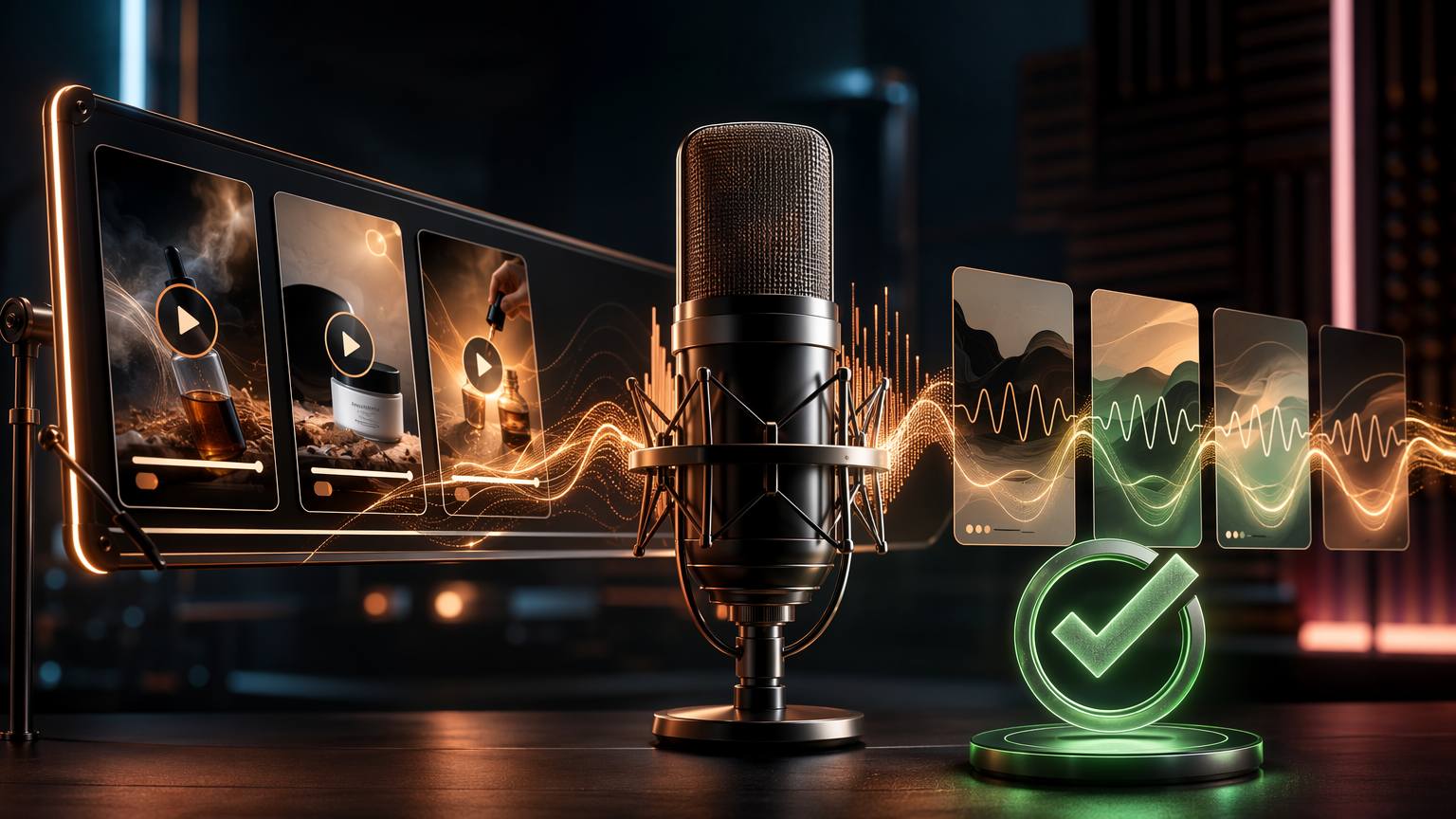
Step 4: CapCut cuts it into a 9:16 ad
You have words, an image, and a voice. CapCut Pro turns them into an ad the algorithm rewards. Vertical 9:16 is the default because over 70% of Meta impressions are mobile and vertical captures meaningfully more engagement than horizontal. Build for that canvas first.
The assembly, in order:
- Drop the hero image on the timeline and add slow motion: a gentle push-in or pan across the still so a static frame reads as live. Dead-still images feel like a slideshow and lose the sound-off viewer.
- Lay the ElevenLabs voiceover underneath and trim the visual to match its length.
- Auto-caption the voiceover. CapCut's one-click captions cover 130-plus languages and matter more than they sound: with most feed video watched silently, your captions are the ad. Style them big, high-contrast, one or two words at a time.
- Cut every 2 to 3 seconds. A jump cut, a scale change, a new caption card. Visual novelty on that cadence is what holds attention past the hook.
- Add music low from the commercial-licensed library so the track is cleared for paid use, then export at 1080p or higher.
Two CapCut realities to plan around in 2026. First, Auto Reframe moved behind the Pro paywall. It automatically recomposes your ad for 9:16, 1:1, and 16:9 while keeping the subject in frame, which is the fastest way to spin one edit into every placement. Second, the AI features (auto-captions, translations, the AI clipper) draw from a monthly credit pool, and heavy users report draining it inside two weeks. For a handful of ads a week you will not notice. For an agency pumping dozens, that cap is a real ceiling.
Export vertical, upload, and let Meta's Advantage+ do the targeting. The 2026 playbook is fewer filters, not more: your creative is now the primary targeting signal, so the smarter move is loading 10 to 20 variations and letting the algorithm find the audience. Which is exactly why a stack that produces ads this fast is the real advantage.
What the stack actually costs, line by line
Here is the honest monthly math on the core four, at each tool's cheapest paid tier in 2026:
- ChatGPT Plus (includes Sora): $20
- Midjourney Basic: $10
- ElevenLabs Creator: $22
- CapCut Pro: $10
Core stack total: $62/month. That is the whole production line, from blank page to exported ad, for less than one hour of a freelance video editor's rate. Against a single UGC creator charging per video or an agency retainer running into four figures, $62 to produce unlimited variations is not close.
Where it creeps is the extras. A Magnific upscale subscription runs $39. Canva Pro for thumbnails and quick graphics is $15. Freepik Premium for stock elements is $9. A spy tool to study competitor ads, like Foreplay at $49 or Minea at $49, adds fast. Bolt on two or three of those and your $62 stack is a $150-plus stack before you have spent a dollar on ad budget.
That subscription creep is the real bleed. Every tool bills monthly, most auto-renew, and a shop testing seriously ends up holding six or eight logins. The bill outlives the campaign. This is the exact gap that bundled-access communities try to fill, and it is worth understanding what they can and cannot do.
The pitfalls that kill AI ads
The stack is fast, which means it is fast at producing garbage too. The failures are predictable:
- The generic hook. The single biggest killer. If your first frame could belong to any brand in your category, it belongs to none. ChatGPT will happily write "Upgrade your hydration today." Delete it. Force specifics from your real reviews and real objections.
- The robot voice. Maxed stability plus long run-on sentences equals hold music. Loosen the sliders, shorten the lines, and listen before you export. If it sounds like a robot to you, it screams "ad" to the feed.
- The floating product. Midjourney hallucinates. Extra buttons, warped logos, a bottle cap that defies physics. Zoom in before you build the edit. Omni Reference and a real product photo cut this down, but you still inspect every hero frame.
- Sound-on design. Building an ad that only makes sense with audio, when 85% of viewers never hear it. Captions and motion have to carry the whole message alone.
- The licensing landmine. Free-tier ElevenLabs voice or a background track without commercial rights can get an ad rejected or, worse, flagged after spend. Paid plans exist for exactly this. Do not cut here.
- One-and-done creative. Meta rewards volume and freshness. Refresh signals stack: frequency past 3.5, engagement down more than 25% from week one, cost per result up more than 30%. One ad is not a strategy. The stack's whole value is that it makes ten cheap.
Where a tool bundle like ScalBoost fits
Now the honest part. Running the full creative stack plus a couple of research tools means holding a wallet full of subscriptions, and that is the friction bundled Whop communities are built to reduce. ScalBoost is one of them: an independent Whop community that packages roughly 30 marketing and AI tools behind a single membership at $29/month. For an operator staring at a $62 core stack that balloons past $150 with extras, one flat fee has obvious appeal.
Here is what we could verify from the public listing, stated plainly. ScalBoost shows 743 members, a 4.95-star rating across 260 reviews, and a $29/month price. Support is advertised as multilingual and 24/7, and the audience skews Spanish-speaking and Latin American, which matters if that is your market and you want help in your language. You can cancel anytime.
What you should weigh with equal clarity:
- No free trial. The $29 is charged at signup. You commit before you see the inside.
- No refunds. Whop's policy makes payments final. If the tool list on the day you join is not what you hoped, you cannot claw the fee back.
- The operator is an independent, unverified Whop seller. This is not a first-party vendor relationship, and the specific tools in a bundle can rotate. Confirm the current list against the tools you actually need before you pay, not after.
- Shared-access bundles carry terms-of-service gray areas. Individual vendors license per seat. If a job depends on your own guaranteed login (a professional voice clone tied to your account, a private Stealth-mode workspace), owning that one subscription directly is the safer call.
The clean way to think about it: a bundle like ScalBoost can slash the exploration cost of the outer ring, the research and spy tools you dabble in, from $150-plus a month toward one flat $29. It is a weaker fit for the two or three core tools your paid-social pipeline runs on every single day, where a direct subscription buys you certainty.
When ScalBoost is not the right call
Honesty is value, so here is who should skip it. If your entire workflow is the core four and you run them daily, buy them directly. The $62 stack in your own name gives you guaranteed uptime, your own voice clone, your own private Midjourney workspace, and no dependence on a third party's rotating catalog. A bundle saves nothing there.
Skip it too if you need a refund safety net. With no free trial and no refunds, ScalBoost asks you to pay before you look and offers no exit if the fit is wrong. That structure suits someone comfortable spending $29 to explore, not someone who needs to test risk-free.
Skip it if you are outside its center of gravity. The community skews Spanish-speaking and Latin American, which is a genuine plus for that audience and a neutral for everyone else. If English-first support and a specific, guaranteed tool lineup are your priorities, a targeted set of direct subscriptions serves you better.
Where it earns the $29: you are early, you want to try many tools without eight separate signups, you value multilingual 24/7 support, and you would rather spend one flat fee exploring than assemble the whole wallet yourself on day one.
Verdict
The four-tool stack is real, it works, and it costs $62/month to run from blank page to finished ad. ChatGPT for the words, Midjourney for the image, ElevenLabs for the voice, CapCut for the cut. Master the order, dodge the six pitfalls, and you produce more tested ad variations in a week than most shops ship in a quarter. That is the whole edge: speed to test, at a price that makes testing cheap.
A bundle like ScalBoost is a sidecar, not the engine. It can lower the cost of exploring the research tools around your core stack, in your language, for one flat fee, as long as you go in clear-eyed about the no-trial, no-refund, independent-seller reality. Confirm the current tool list matches your needs, then decide.
Continue reading
The real cost of a dropshipping tool stack in 2026 (line by line)
A line-item breakdown of what a serious dropshipping SaaS stack costs per month in 2026, t...

How to cut your SaaS bill by 80% without losing capability
A line-item audit for solo operators: inventory every tool, kill the overlaps, consolidate...
Product research without paying $149 a month for AdSpy
AdSpy costs $149 a month. Minea, Foreplay, Winning Hunter and Dropship.io do the same rese...
AdSpy vs Minea vs Foreplay vs Winning Hunter: The 2026 Ad Spy Showdown
Four ad spy tools, four price tags, one honest breakdown. See what AdSpy, Minea, Foreplay,...