Midjourney for ecom creative in 2026: where it fits your stack
Midjourney makes the best AI product scenes and the worst product listings. Here is where the $10 tool earns its seat in your 2026 ecommerce stack.
Midjourney makes the prettiest product scenes in AI and the worst product listings. Both are true at once. This guide shows where the $10 tool earns its seat in your 2026 ecommerce stack, where it quietly costs you sales, and how to slot it next to upscalers, compositing tools, and the rest of your creative pipeline without lighting money on fire.
The real $10, in context
Midjourney's Basic plan costs $10 a month. That is the sticker. The bill you actually pay is measured in GPU hours, and that distinction decides whether $10 is real or a mirage.
Basic buys you roughly 3.3 fast GPU hours. In practice that lands near 200 finished images a month, and only if you nail your prompts on the first try. You will not. Every reroll, every variation, every "almost but the handle is wrong" burns the same clock. Basic has no Relax mode, so once those 3.3 hours are gone, you are done until next month or until you buy more time.
The tiers climb from there: Standard at $30 adds about 15 fast hours plus unlimited Relax generation, Pro at $60, and Mega at $120. There is no free trial and no free tier. The cheapest path to your first image is the $10 charge. Commit annually and you save 20%, paid upfront for the full year.
Two traps hide in the cheap seats. First, privacy. On Basic and Standard, your generations drop into a public gallery by default. Unreleased product concepts, client work, your next campaign angle: visible to anyone on the internet. Private generation, called Stealth Mode, starts at the Pro plan at $60 a month. Second, revenue. Midjourney's terms push companies above $1M in annual revenue onto Pro or higher. If you are a real store, the $10 line was never yours to begin with.
Two features move the meter in the other direction. Omni Reference, the object and character consistency tool, costs 2x the GPU time of a normal generation. Draft Mode runs the opposite way: it cuts credit usage by roughly 60 to 70% on early exploration while you hunt for the shot. So the honest read on "the $10 tool" is this: it is $10 only when you are disciplined, your work can be public, and your store is small. Everyone else is quietly on the $30 or $60 line.
Where Midjourney wins for ecom creative
Midjourney's edge is aesthetics, not accuracy, and for the right job that edge is enormous. Cinematic lighting, rich texture, editorial composition, a sense of mood that reads as expensive: no other AI image tool hits this note as consistently. Hire it for the jobs where beauty is the deliverable.
That means a specific set of tasks it owns:
- Scene and set design. A marble counter with morning light. A moody workshop. A sun-bleached beach flat lay. Midjourney builds the world your product will sit in.
- Mood boards and campaign concepting. Establish a visual direction in an afternoon instead of a week. Show a client or a team three worlds, not three sentences.
- Lifestyle and hero backgrounds. Editorial-grade environments for ads, landing pages, and social, where the product gets composited in later.
- Volume exploration. Two hundred concept frames a month is a lot of directions to try before you commit a photographer or a budget.
The engine keeps improving. V8.1 shipped on midjourney.com on April 30, 2026 and became the default on June 10, 2026, with V7 still fully selectable. Photorealism, prompt adherence, and anatomy all took real steps up over V6. When the job is "make me want this," Midjourney is the creative director in your stack.
Where it fails, stated plainly
Point Midjourney at an actual product listing and it turns on you. The same engine that invents gorgeous scenes will invent your product too, and buyers notice.
- It reinvents the item. Ask for your specific bottle and you get a bottle. Close, confident, and wrong in the details that matter: the lid, the seam, the logo placement.
- Text rendering is unreliable. Labels, packaging copy, and infographics come out garbled. For anything with words on it, plan to redo the text by hand or skip Midjourney entirely.
- Color drifts. Precise brand-color matching is not a strength. "Close enough" is not close enough when a customer receives the box.
- Marketplace compliance breaks. Amazon wants a pure white background at RGB 255,255,255, the product filling 85% or more of the frame, and an image that matches the physical item. Midjourney tends to hand you off-white gradients, soft shadows, and altered details. Your main image gets rejected or, worse, sets a false expectation.
- It does not scale on its own. There is no native batch processing and no official public API for pipeline automation. Every image is a separate prompt, generation, and export. One comparison put 50 products at 100 to 200 hours the Midjourney way versus 12 to 25 hours with a purpose-built product tool.
- Hard materials stay hard. Reflective surfaces, transparent materials, and mechanical products still need a human to intervene.
None of this is a knock on the tool. It is a knock on using a creative-director tool as a catalog-production tool. The enemy here is the workflow that pretends one app does both jobs. It does not.
The hybrid workflow that actually ships
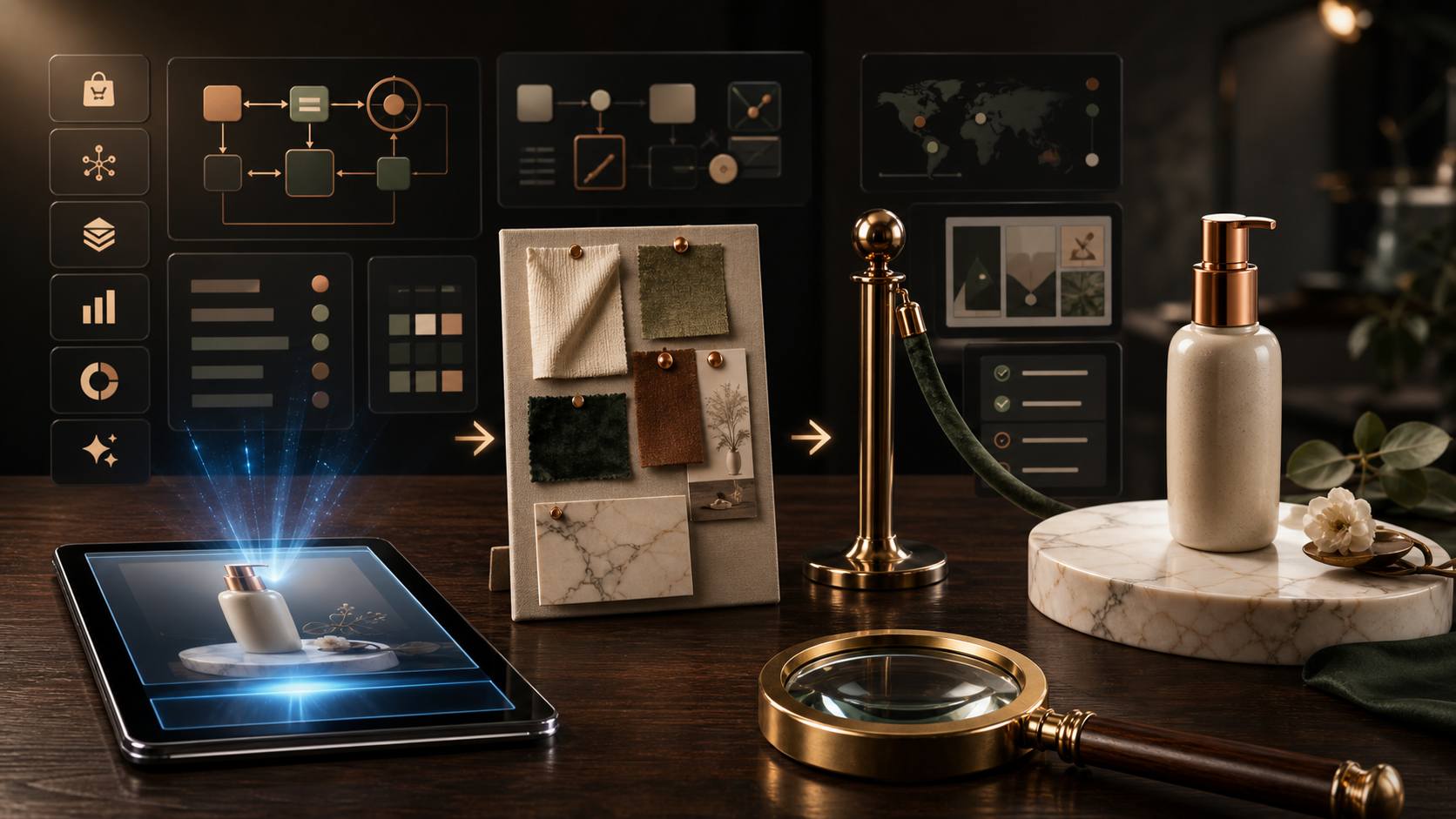
The winning 2026 pattern is simple: let Midjourney build the world, and never let it touch the product. You generate only the scene, then place your real product photo into it.
The flow looks like this:
- Generate the scene in Midjourney. A background, a surface, a lighting setup, a mood. No product in the prompt at all. This keeps Midjourney doing the thing it is best at and removes every chance for it to mangle your item.
- Composite the real product. Bring your clean product shot into a dedicated compositing tool that matches lighting, shadow, and reflection so the item sits in the scene believably. This is where accuracy lives, and it lives outside Midjourney on purpose.
- Refine and export at the aspect ratio and resolution your destination demands, whether that is a square marketplace thumbnail or a wide website banner.
Midjourney's own Editor covers part of this when you want to stay in one app. The Paint tools let you erase a region and regenerate it, or restore what you erased. Retexture regenerates the whole image in a new style while holding the original structure and composition, which is a clean way to relight or re-skin a scene without redrawing it. The Layers panel accepts external images, so you can drop a real element in as a layer and blend it. One catch to remember: edited and uploaded-layer images will not appear on your Create or Organize page unless you upscale them.
For object consistency across a set, Omni Reference is the V7 tool. Drop a reference image into the Omni bin and control its grip with the omni-weight slider, exposed as --ow, which runs from 0 to 1000. Low weight lets style shift freely; high weight clamps the reference hard. Remember the two costs: Omni Reference is V7-only, so you leave the V8.1 default to use it, and it runs at 2x the GPU time. Use it deliberately, not by default.
Prompt approaches that hold up
Most "Midjourney looks fake" complaints trace back to lazy prompts. A handful of habits fix the majority of them.
- Force realism with raw mode. Add --style raw and the latest model version. Raw mode suppresses Midjourney's instinct to stylize, keeping the output closer to straight commercial photography.
- Name the product first. Midjourney builds around the first major noun it reads. "Matte brushed stainless steel insulated water bottle with twist-off lid" beats "a water bottle" by a mile. Lead with the exact object and its material, then describe the world.
- Over-specify the background. "Pure white seamless background with zero texture and zero shadow" works where "white background" fails, because the engine adds subtle gradients and shadows unless you forbid them.
- Set the aspect ratio for the destination. 1:1 for marketplace squares, 4:5 for Instagram feed, 2:3 for portrait product pages, 16:9 for wide banners. Compose for the frame you will actually publish.
- Explore in Draft Mode, finish in standard. Run your first five to ten variations in Draft Mode to save 60 to 70% of the credits, then switch to standard for the final one or two renders that ship.
Do these five things and your effective cost per usable image drops, because you stop paying full GPU price to discover a direction you were going to reject anyway.
Alternatives: Freepik, Magnific, and the rest
The biggest 2026 shift in this corner of the stack is a merger. Freepik rebranded to Magnific on April 28, 2026, folding image generation, video, upscaling, editing, and a large stock library into one platform. The old standalone Magnific tiers were reorganized into the combined subscription. If you priced these as two separate tools, reprice them as one.
Magnific remains the upscaling heavyweight, generative upscaling up to 16x with two modes that matter for ecom. Precision Mode upscales faithfully, adding resolution without changing the character of the shot, which is what you want for a real product photo headed to print or a high-density display. Creative Mode reimagines and invents new detail, which is a gift for illustration and a hazard for merchandise. For anything a customer will receive in a box, stay in Precision. The retail entry for Magnific sits at $39 a month. Note the recurring complaints too: credit burn on high-factor upscales, and "unlimited" model tiers that reviewers say got rate-limited or moved to credit billing. Read the current terms before you commit annually.
Freepik Premium, at $9 a month, is the affordable on-ramp to the same platform: 40-plus AI models, background removal, AI editing, resize, and a deep stock catalog in one workspace. For a small store that wants generation, cleanup, and light upscaling without a specialist bill, it earns its keep.
Around these two, a few tools round out a creative stack:
- GPT Image 2 / Sora, bundled into ChatGPT Plus at $20 a month, handle instruction-following edits and text-on-image better than Midjourney in many cases. No separate charge for Sora.
- Canva Pro, $15 a month, for layout, templates, resizing, and turning a hero image into a full ad set.
- Slazzer, $4 a month, for fast, clean background removal when you just need the product cut out.
- CapCut Pro, $10 a month, when the creative has to move for TikTok and Reels.
Notice what none of these are: a Midjourney replacement. They are the accuracy, cleanup, and distribution layers that surround the one tool you keep for beauty.
The stack math: what a creative pipeline really costs
Here is a realistic monthly creative stack for a solo operator or a small store, using cheapest paid tiers at 2026 retail:
- Midjourney Basic: $10
- Freepik Premium (generation, background removal, upscaling): $9
- ChatGPT Plus (GPT Image 2 edits, text, copy): $20
- Canva Pro (layout and ad sets): $15
- CapCut Pro (short-form video): $10
That is $64 a month for a lean creative pipeline, and it climbs the moment you need Midjourney Stealth Mode at $60, standalone Magnific upscaling at $39, or a dedicated compositing tool. Add a couple of research and spy tools that most operators also run, AdSpy at $149 or Foreplay at $49 or Minea at $49, and the real monthly SaaS bill for a serious store crosses $150 to $250 fast.
This is the actual enemy for most sellers: not any single tool's price, but the stack bleed. Six to ten recurring charges, each defensible on its own, that together quietly outrun the margin on the products they are supposed to sell. The line items are small. The sum is not.
Where ScalBoost fits, and where it does not
ScalBoost is a Whop bundle that answers the stack-bleed problem head on: roughly 30 ecommerce tools under one $29-a-month membership, with multilingual 24/7 support and an audience that skews Spanish-speaking and Latin American. We pulled the public numbers: 743 members, a 4.95-star rating across 260 reviews. It is run by an independent Whop seller, unverified, so treat it as a third-party bundle, not a first-party SaaS vendor.
The pitch is consolidation. Instead of stacking six or eight separate subscriptions and watching the total creep past $150, you pay one flat $29 and get shared access to a rotating set of ecom tools. For an operator whose bill is death by a thousand $9 and $49 charges, that math is worth a hard look. Cancel anytime, so you are not locked in beyond the month you are using.
Now the honest limits, because that is the value. ScalBoost is not a Midjourney replacement, and you should not buy it expecting a personal, stealth-capable Midjourney seat for confidential client work. If the only thing you need is beautiful scene generation, pay Midjourney the $10 directly and skip the bundle. A shared bundle also cannot give you the private gallery and revenue-tier compliance that a real store needs from its own Midjourney Pro account.
A few more reasons to walk away, stated plainly:
- You want a trial or a safety net. There is no free trial. The $29 is charged at signup, and payments are final under Whop's policy, so there are no refunds. Cancel stops the next charge; it does not claw back the last one.
- You need English-first white-glove support. Support is multilingual and 24/7, but the community and audience lean Spanish-speaking and Latin American. If that is not your world, weigh it.
- You only need creative tools. A pure design buyer is better served by Midjourney at $10, Freepik at $9, and Canva at $15 bought direct, sized exactly to the job.
- You want guarantees. No bundle can promise results, and an independent, unverified operator is not the place to look for them. Judge it on the tool access and the flat price, nothing more.
Where it does fit: a working ecom operator, especially a Spanish-speaking one, who is already paying for a scatter of research and creative tools and wants one predictable $29 line instead of ten unpredictable ones. That is the buyer this bundle is built for.
Verdict
Midjourney belongs in almost every ecommerce creative stack in 2026, in exactly one seat: the creative director. Hire it to build worlds, moods, scenes, and campaign directions, and it out-styles everything at $10. Never hire it to render your actual product for a listing. That job goes to compositing, accurate upscaling in Precision Mode, and real photography, with Freepik, Magnific, or a dedicated tool doing the accuracy work Midjourney will not.
The bigger fight is the stack itself. Beautiful images are cheap now; the recurring bill under them is what erodes margin. Price your pipeline honestly, keep the tools that each earn their line, and if you are an ecom operator drowning in a dozen small subscriptions, a consolidated bundle is worth pricing against your current total.
Continue reading
The real cost of a dropshipping tool stack in 2026 (line by line)
A line-item breakdown of what a serious dropshipping SaaS stack costs per month in 2026, t...
How to cut your SaaS bill by 80% without losing capability
A line-item audit for solo operators: inventory every tool, kill the overlaps, consolidate...
Product research without paying $149 a month for AdSpy
AdSpy costs $149 a month. Minea, Foreplay, Winning Hunter and Dropship.io do the same rese...
AdSpy vs Minea vs Foreplay vs Winning Hunter: The 2026 Ad Spy Showdown
Four ad spy tools, four price tags, one honest breakdown. See what AdSpy, Minea, Foreplay,...